Design Brief:
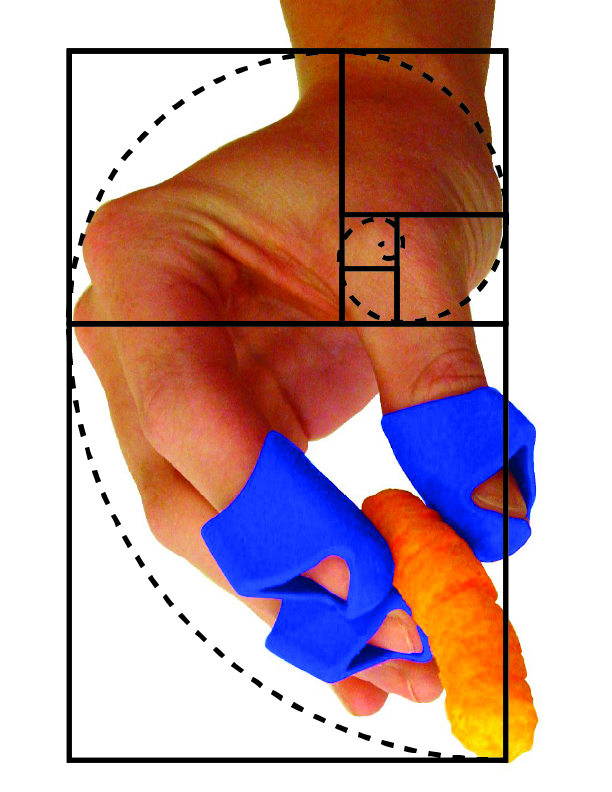
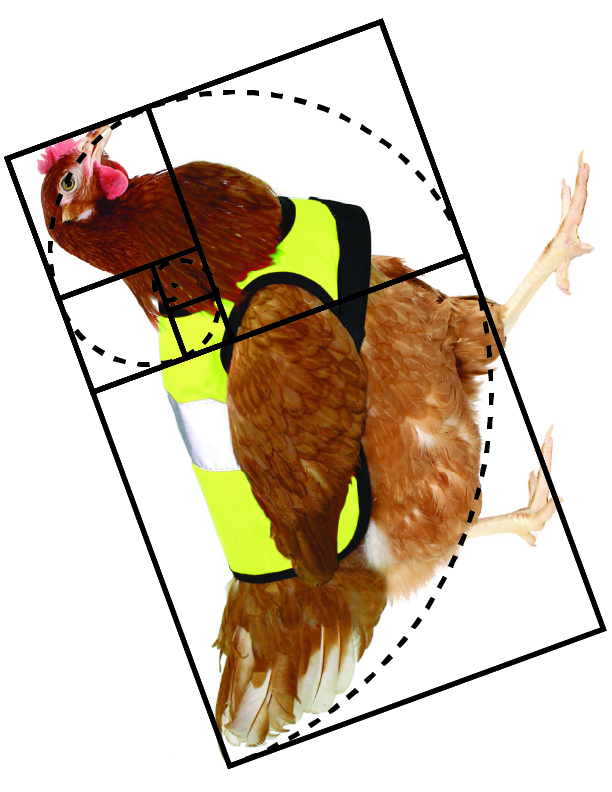
Use Adobe Illustrator to manually draw a group of vector objects and strokes that demonstrate an understanding of The Golden Ratio.
Then…
- Create ten (10) artboards in Adobe Illustrator
- Find ten (10) images that are meaningful for you, or capture your vibe (try to choose unique, exciting, or surprising images)
- Use
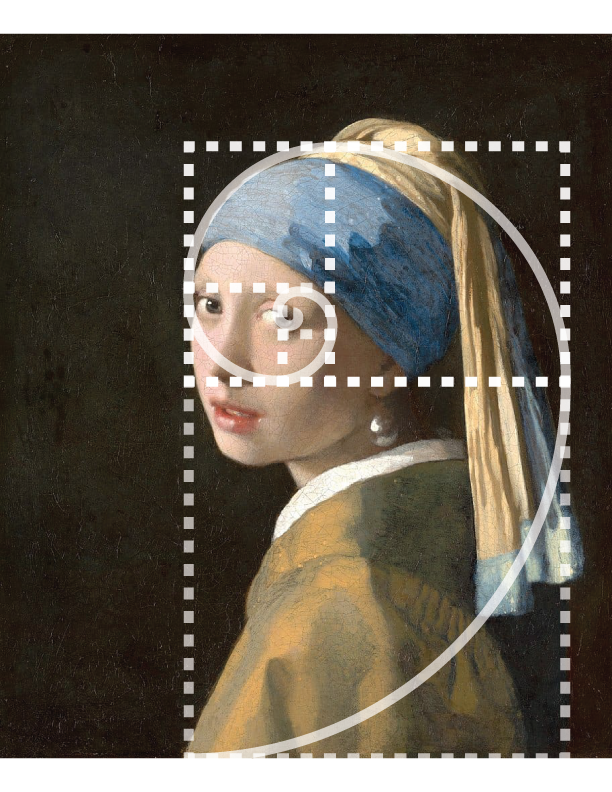
File menu --> Placeto place and re-size each image to each artboard - Resize and reposition the Golden Ratio to reveal the decisive proportional relationships of the image
- Make sure your Golden Ratio is visible
- 5pt stroke, black or white


Requirements ✅ ✅ ✅
- Artboard dimensions: Letter size (8.5" × 11")
- Orientation: Landscape or portrait
- File Format: PDF
- File Name: 26FA_DSGN100_Wrkshp_02_Lastname_Firstname.pdf
- Submit your PDF file to our Google Drive 📥 📥 📥
Files, Resources 💾 💿 📁
- Step-by-Step Instructions: How To Design The Golden Ratio (AI)
- Step-by-Step Instructions: How To Design The Golden Ratio (PDF)

Design Competency Learning Outcome:
Being a designer means focusing your attention on fine details, particularly guides, grid systems, and proportions.